Autofill Job Applications on LinkedIn, Indeed, and 20+ Job Boards
Chrome Extension
20+ Job Boards
Free Forever
Tired of typing the same details into 50 application forms? Install the Chrome extension, upload your resume once, and let the AI handle the form-filling on LinkedIn, Indeed, Greenhouse, Lever, ZipRecruiter, and 20 more job boards.






AI Autofill to Accelerate Job Applications
Navigate from job search to application submission with effortless, intelligent form-filling that brings you closer to your next big opportunity.
AI That Applies to Jobs for You - Autofill Job Applications
Struggle no more with filling in the same details again and again for different job applications. Our "Autofill Job Applications" feature extracts your details with just one upload of your resume and autofills job applications - accurately and instantly.
One-Click Job Application Submission
AI-Powered Profile Parsing
Smart Job Form Detection
Real-Time Field Matching
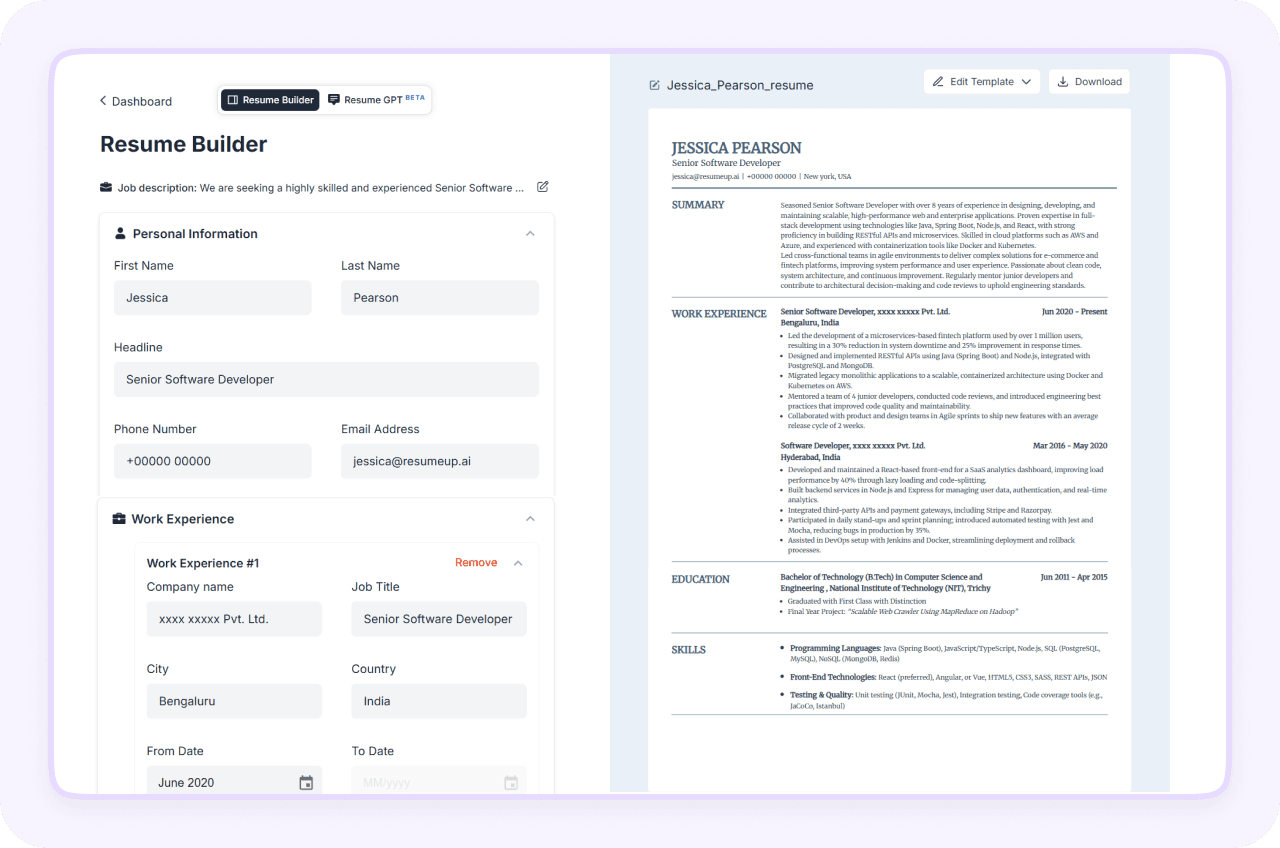
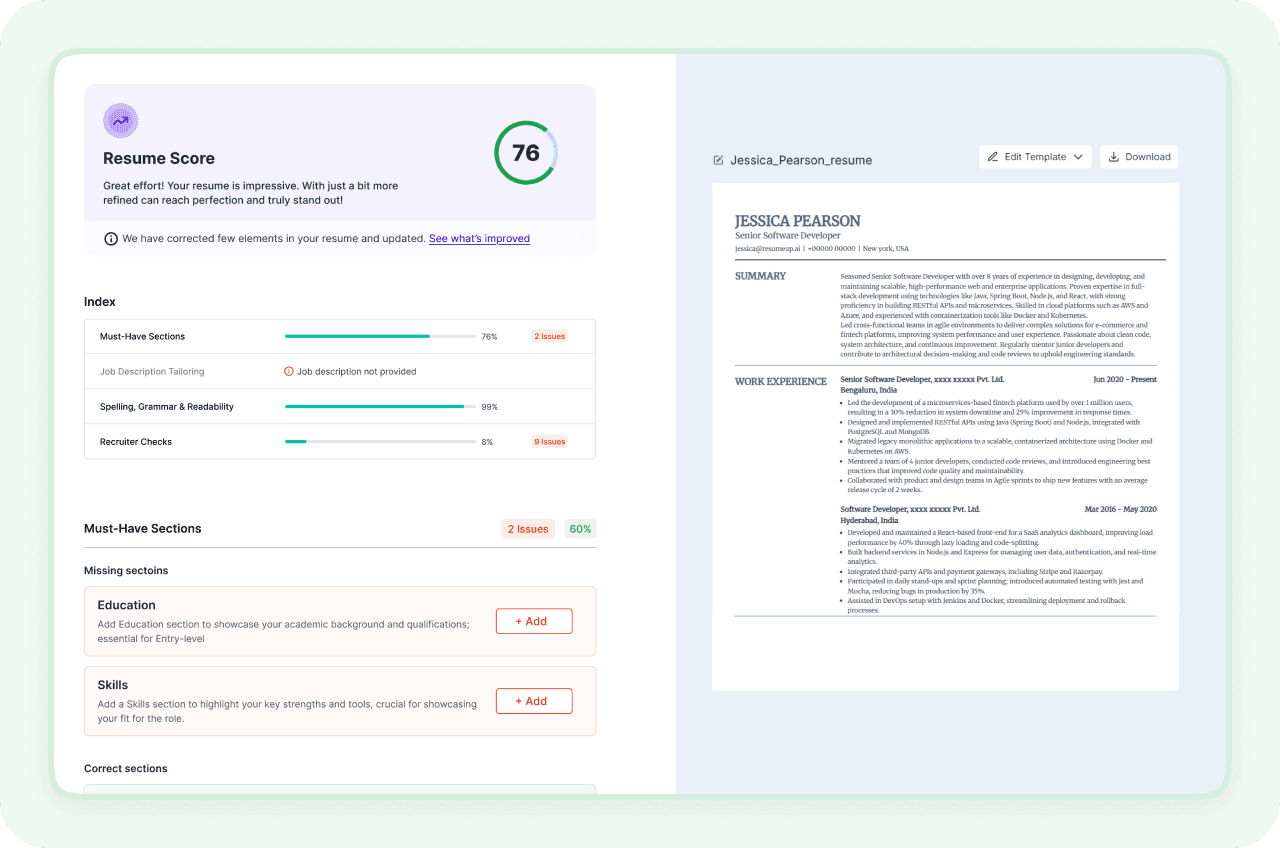
Fast-Track Your Job Hunt, Get Hired Quicker
Manual applications consume a lot of your time and can quickly drain your energy as well. That's why automated job filling is a smart choice that works the same. Our AI auto applies for multiple jobs for you, saving you lots of effort. Pair it with AI job search tool to discover the best opportunities faster.
Pre-Filled Details
Real-Time Application Tracking
Smart Field Matching
Autofill Across Popular Job Boards
Job Application Autofill Directly from Your Browser
Our Chrome Extension comes with features to streamline your job application process, including autofilling job applications. Once installed, our Chrome Extension identifies the application fields on popular job boards and autofills your resume details in the corresponding fields. It automatically fills in your personal details, work history, education, and other important resume sections based on your profile. All this is completed directly on your browser, and you do not even have to switch tabs.
Role-Based Keyword Tailoring
Automatic Form Detection
Job Board Compatibility
Resume Data Extraction
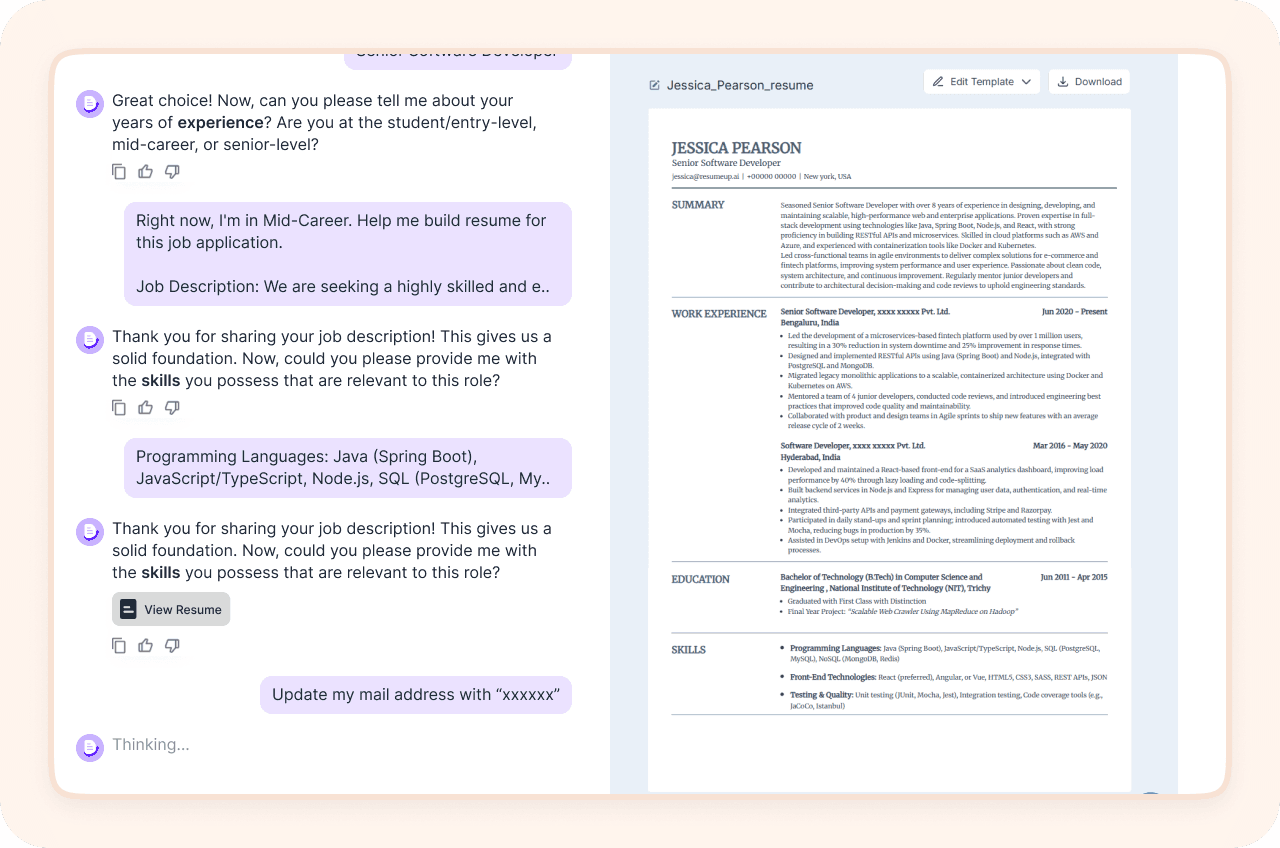
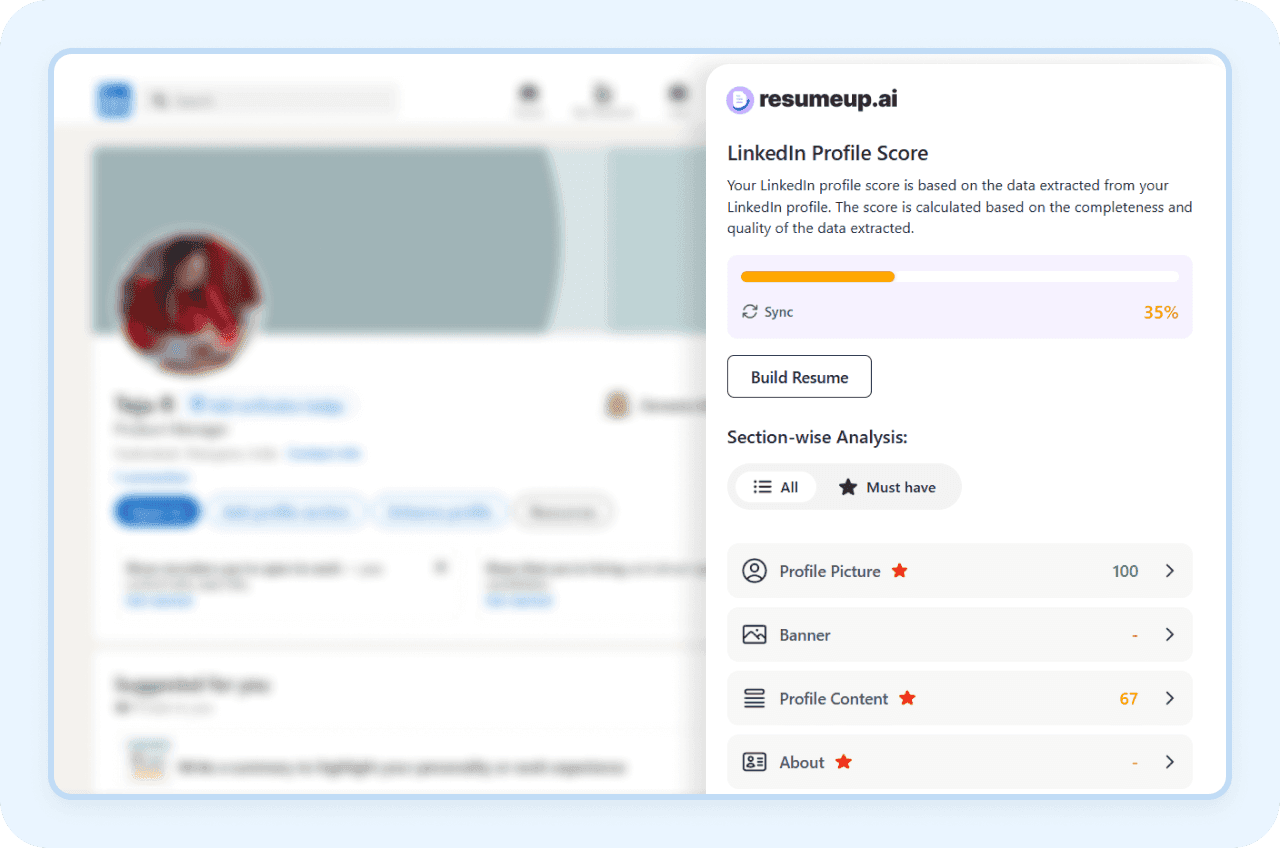
Compatible With The Leading Job Boards
Our Chrome Extension and AI engine integrate to autofill job applications seamlessly across popular job boards that are used by Fortune 500 companies. Not only this, we are not stopping there! We are expanding the auto apply feature to multiple job boards.
Seamless Chrome Extension Integration
One-Click Autofill
Supports Top Job Boards
Expanding Coverage
One-Click, Zero-Effort Job Applications
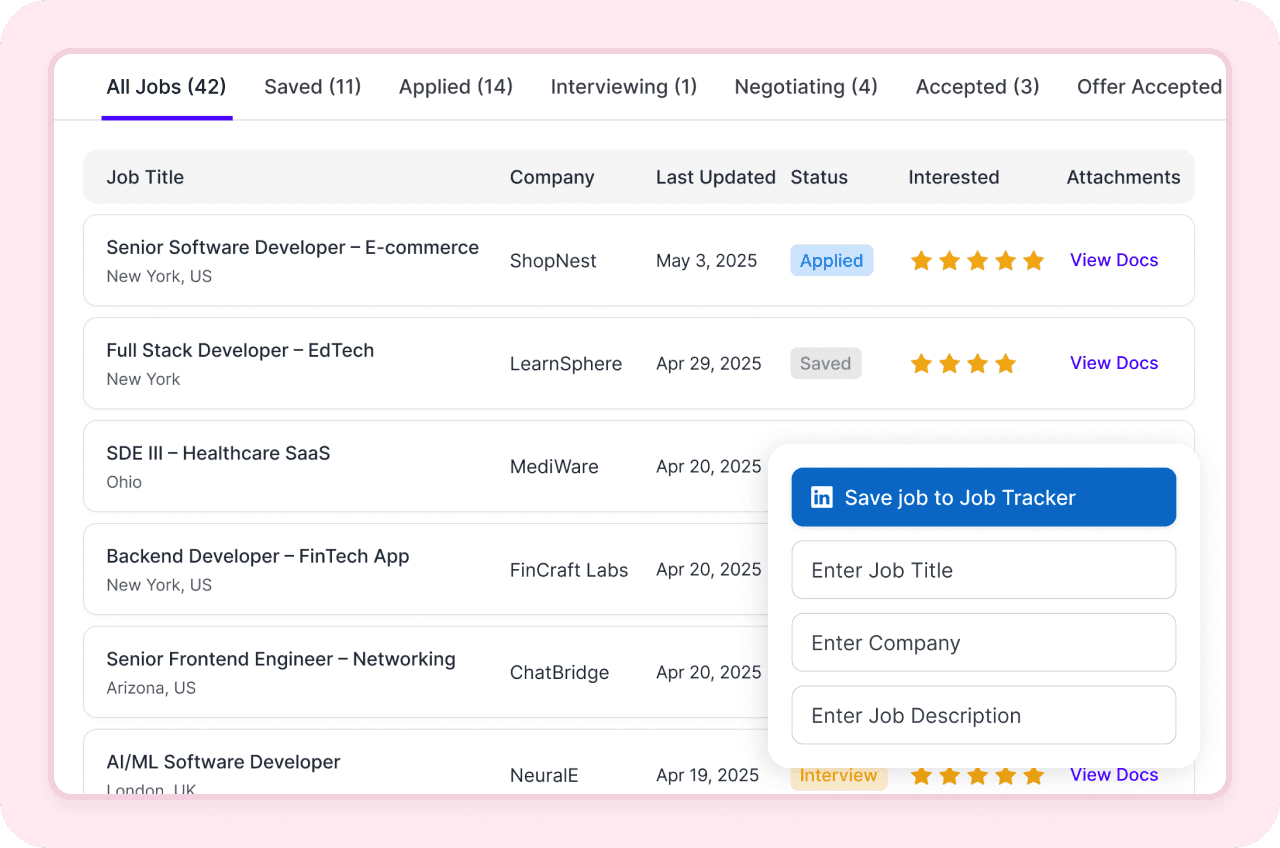
Just a single click on Autofill This Page will make you stop entering details manually for each application. Auto apply to multiple jobs by extracting details from your resume, and also save the job to the job tracker with our AI automatic job application filler. You can also choose from your uploaded resumes, which resume has to be used to fill in the details.
Integrated Job Tracker
Resume Data Extraction
Resume Selection Option
Built For Job Seekers: Proven By Results




Frequently asked questions
How does the Chrome extension autofill job applications?
Our Chrome extension autofills job applications by parsing your resume to extract all your details and then mapping the text to the form fields on the job boards.
It reads your saved profile and uploaded resume, and when you click "Autofill This Page" on the Chrome extension, it starts filling your details automatically with the loaded data.
You can also edit your details, if required. The Chrome extension detects the job board automatically and allows you to fill out the form for automated job applications. Currently, it supports major job boards that are used by most of the Fortune 500 companies, and we are expanding to all job boards.
Which job boards are supported by this automatic job application finder?
Our autofill job applications tool supports popular and major job boards like Greenhouse, Lever, Workday, iCIMS, Taleo, LinkedIn, Ashby, and many more. These platforms are most used by Fortune 500 companies.
We are also extending the tool to support many more job boards. Once our Chrome extension is installed, go to any of the popular job boards, and our tool auto-populates the information from your profile and autofills your details when a form is encountered.
Can I add the job to my tracker after applying?
Yes, ResumeUp.AI offers job application management using job application tracker, and Chrome extension allows you to add the specific job directly to the job tracker without having to navigate to the website again.
After our tool autofills the job application, you can click on 'Add To Job Tracker', and this automatically adds the applied job so that you can track the application status easily.
Do I need to upload my resume for every job?
No, you just have to upload your resume once, and this is loaded directly into our tool. So whenever you go to a job board to apply for jobs, our Chrome extension detects the form and fills in the details on your behalf.
You can also choose which of your saved resumes to use for each application. If you haven't already, create your resume with AI — and the extension will pull everything from your ResumeUp.AI profile automatically.
Will this automatic job application finder work for internships and part-time jobs?
As long as the job is listed on a popular and reliable job board or platform, our auto apply to jobs works effectively. It has no relation to what kind of job you are applying for.
How to use the autofill job application tool?
To use our autofill job application tool, you have to install our Chrome extension. After installing the extension, ensure your ResumeUp profile is updated with the active resume and proper details. You can see the status of completion of the profile on the extension.
Once uploaded resume is uploaded into the profile and the details for once, then that is it. You can now click on the extension after navigating to the job board to start autofilling the job applications.
If any detail has to be modified as per the job, you can also edit your details before submission.
Does this Chrome extension just automate job applications?
No, our Chrome extension does more than auto-apply to multiple jobs. It optimises your LinkedIn profile, generates an AI-powered tailored resume to the specific job listing, and helps you manage your job tracker.
All it takes is a proper ResumeUp profile updated once to get the most out of AI to your benefit.
Can I use different resumes for different applications?
Definitely, you can choose which resume you want to apply for the job. Just click on the Select a Resume drop-down menu to see the list of resumes uploaded in your ResumeUp profile, and click on the required resume.
Based on the selected resume, in the particular job posting, your details will be entered.
Is it better to autofill or apply manually?
Automatic job application filling will save you valuable time and effort. In the modern job market, where everything is competitive, being ahead of everyone only brings you success.
For this, you have to invest time in preparation, while autofilling saves you time for it. That is why autofilling the job applications will be a smarter choice. However, you can review your details manually once before submitting the application.
Why should I auto-apply to jobs?
Auto-applying to multiple jobs will save you time and effort. Applying to a number of jobs increases your chances of receiving callbacks in less time.
You do not have to wait hours and hours filling out every job form you come across. You can now apply to any number of jobs because the auto-fill feature fills in your details on your behalf automatically.